The short answer
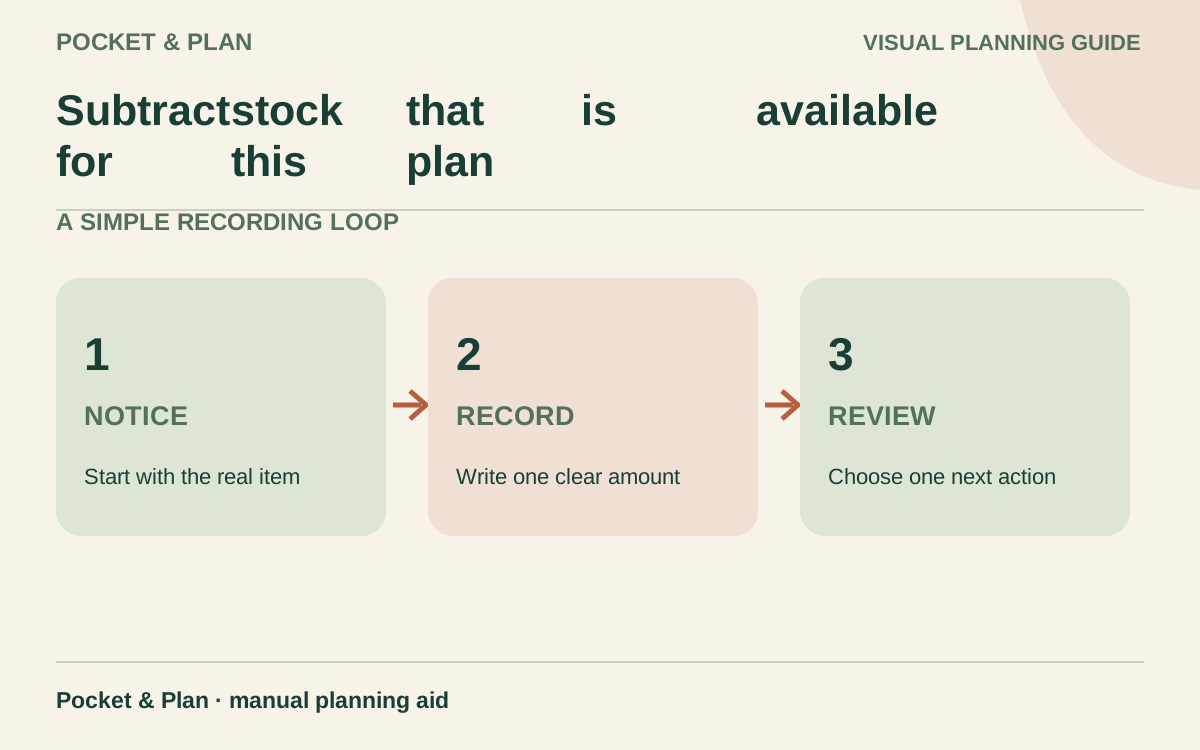
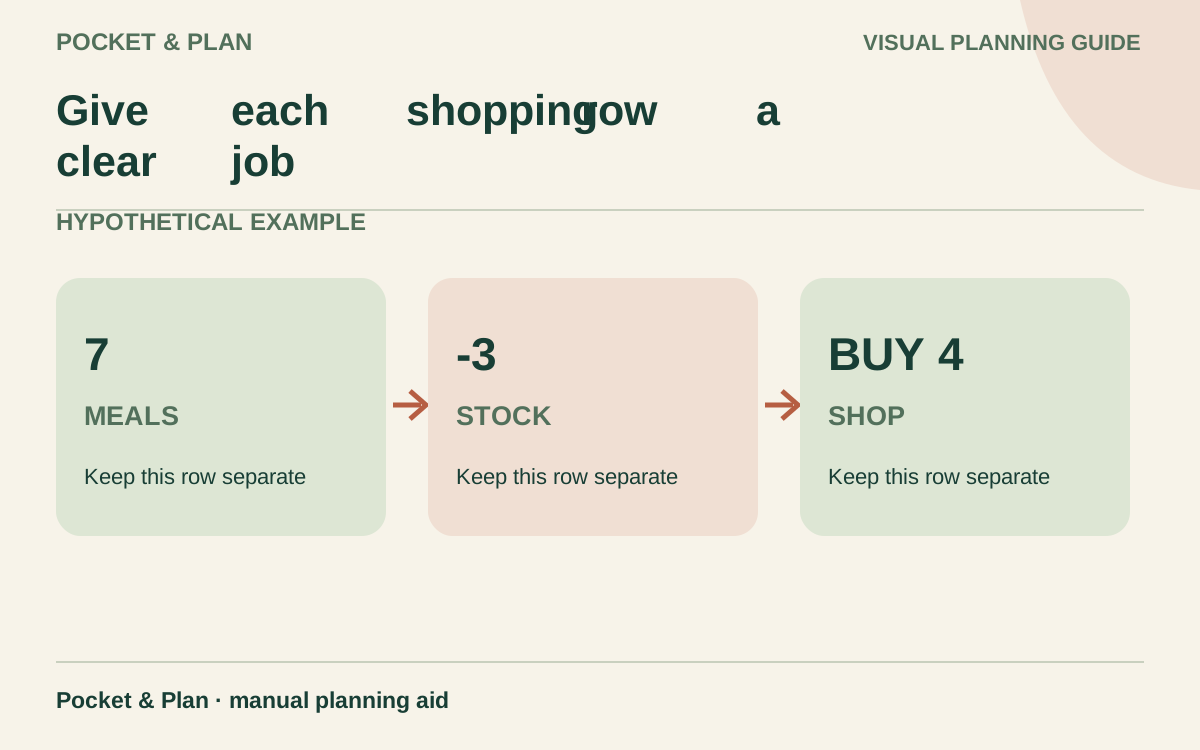
Make your grocery list from the meals you expect to provide, subtract stock available for those meals, then record quantities, acceptable substitutions, and the actual purchase.
General educational guide. Sources checked September 11, 2026. Examples are illustrative; amounts should be adjusted to your household. Read our disclosure.
A useful grocery list names the food, the quantity you need to buy, and what to do if that item is unavailable. Build it from planned meals and household needs, subtract food already available for those uses, then group purchases by store area. Finish by recording what you actually bought so the next shopper does not repeat the purchase.
Download the printable grocery list template. It includes a stock check, shopping rows, substitution notes, and estimated and actual totals. It is a manual worksheet for handwriting, with no price lookup, calculations, or shared-list syncing. Print on landscape US Letter paper and use another copy when you need more rows.
Choose the period and the meals you are supplying
Write the shopping date and the last day this list should cover. Count breakfasts, lunches, dinners, snacks, and people whose food comes from this shop. Include packed lunches even when they are eaten elsewhere; mark meals supplied by a workplace or restaurant separately.
The EPA’s planning guidance recommends considering meals away, leftovers, and quantities when making a shopping list. Our worksheet turns that into a purchase record: every food row should have a named use or a deliberate restocking reason.
Keep household supplies identifiable. Dish soap may share the trip, but it need not share the food total. Use your grocery budget to define which purchases belong in that category before setting the list’s spending estimate.
Subtract stock that is available for this plan
Check the refrigerator, freezer, and cupboards before listing purchases. Record quantities with units, including whether a weight is dry, cooked, drained, or as packaged. A half-full container is an estimate until you have a reasonable measure of what remains.
Count only food that is suitable for use and not already committed elsewhere. If four tortillas remain but two are reserved for someone else’s lunch, only two are available for this plan. A reserve is not missing food; it simply has another job.
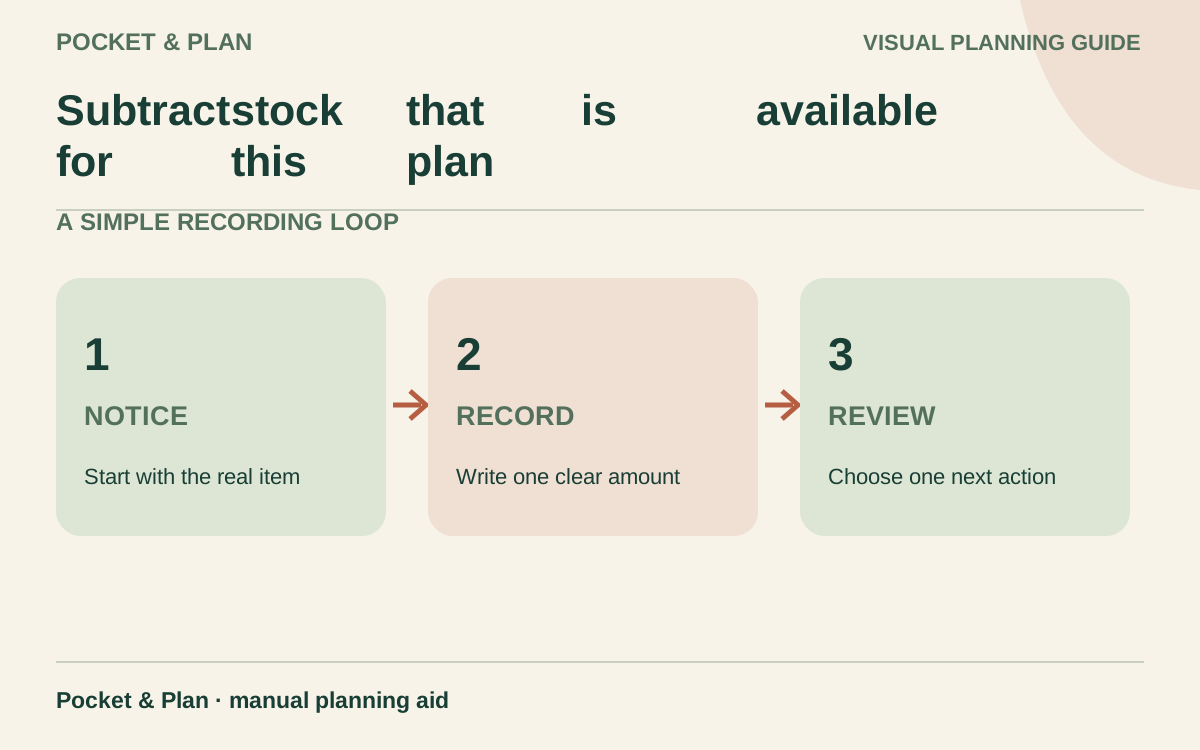
Use this calculation for each item:
Quantity still needed = the greater of zero or planned need minus available stock.
This hypothetical list covers selected ingredients, not a complete menu. The quantities are chosen only to demonstrate the method:
| Item and unit | Planned need | Available for this plan | Still needed | Example purchase | Unassigned remainder after these uses |
|---|---|---|---|---|---|
| Rolled oats, dry oz | 12 | 4 | 8 | 18 oz package | 10 oz |
| Plain yogurt, oz | 24 | 8 | 16 | 16 oz container | 0 oz |
| Tortillas, count | 8 | 2 | 6 | 10 tortillas | 4 tortillas |
For oats, 12 − 4 = 8 ounces needed, but buying an 18-ounce package leaves 4 + 18 − 12 = 10 ounces after the planned uses. The tortilla remainder excludes the two already reserved for another lunch. Keep those reservations visible instead of counting them again next time.
A pantry inventory exercise can help when you find several ingredients without a planned use. The shopping list should reflect that inventory, not create a second competing version of it.
Give each shopping row a clear job
Group rows into areas that suit your store: produce, chilled foods, bakery, pantry, frozen foods, and household supplies. An exact aisle number is optional and may become outdated; a recognizable department is usually enough.
| Shopping field | A useful entry |
|---|---|
| Area and item | Pantry; plain rolled oats |
| Purchase quantity | One package containing at least 8 dry oz |
| Meal or use | Three planned breakfasts; remaining package kept for later |
| Allowed substitution | Another plain rolled-oat brand, if suitable |
| Actual purchase or status | One 18 oz package bought; or unavailable |
| Actual amount | Price paid for the purchase, using the stated tax convention |
Keep package count and food quantity distinct. “Two yogurts” could mean two single-serving cups or two large tubs. Include the size or minimum total quantity, and check the full purchase price before accepting a larger package.
Use a grocery price book when comparing equivalent package sizes. The list answers what to bring home; the price book helps compare dated prices for an equal unit.
Write substitutions before the shopper needs them
Separate requirements from preferences. An allergy-related restriction or required product specification is different from a preferred brand. Put non-negotiable requirements near the top of the page, and check the actual replacement label rather than assuming similar packaging means the same ingredients.
Useful instructions include “any suitable plain brand, at least 16 oz total” or “if unavailable, leave off and flag for a new meal plan.” A substitute should still serve the intended meal and fit the purchase amount. Do not buy both the original and its alternative unless the plan calls for both.
Choose one person to hold the current paper list. If someone makes an extra trip, update the list before the next shop. Cross out a duplicate need only after confirming what was purchased and how much is available.
Reconcile the basket with the list
Suppose the three example purchases were estimated at $2.70, $2.40, and $1.80. Their expected total is $6.90. At checkout, imagine they cost $2.85, $2.50, and $2.00, for $7.35. Actual spending is $0.45 above the estimate. These are invented complete purchase charges, not current prices; this example assumes no separate tax or fee.
Record discounts, taxes, delivery charges, and other costs according to your actual shopping arrangement. Never enter the price of only the ounces used when the store charged for the whole package. Mark an unavailable item as unavailable rather than writing $0 and treating the need as satisfied.
Keep food and household-supply subtotals separate if that matches your budget. Resolve receipt differences while the purchase is easy to remember, then update the stock available for later meals.
Close the list with one change for next time
After the period ends, note an item you ran short of, bought twice, or left unused. Change one future quantity or shopping instruction. A list that gradually reflects your household is more useful than an elaborate form you rewrite from scratch every week.
Do not buy extra perishables merely to complete a promotion. The FDA’s food-waste guidance emphasizes buying amounts that can be used and keeping a refrigerator at 40°F or below, checked with a thermometer. Follow item-specific storage and product instructions; a checkmark on this list does not establish food safety.
Put the next shopping date on the page, preserve any ingredients reserved for later, and carry forward only needs that still apply.
Sources & verification
These primary reference sources support the guide. Worked examples are our own illustrations, not national averages or reported personal results.
- EPA — Preventing Wasted Food At Home ↗Checked September 11, 2026
- FDA — How to Cut Food Waste and Maintain Food Safety ↗Checked September 11, 2026
Published · Last substantive update .
Found a factual error or a calculation that needs checking? Suggest a correction by email with this guide's link. The link opens a draft in your email app; you send it yourself. Contact details · Corrections policy