The short answer
Build a reliable record of everyday spending with one entry per purchase, visible refunds, and a short check against receipts and account activity.
General educational guide. Sources checked September 11, 2026. Examples are illustrative; amounts should be adjusted to your household. Read our disclosure.
A daily expense tracker records what you actually bought, the category it belongs to, and any refund that later changes the cost. Start with a dated receipt or purchase record, enter each amount once, and compare the entries with account activity. Keep money moved between your own accounts separate from purchases.
Download the daily expense tracker printable for a manual transaction log and a spending summary. It includes purchase and refund columns, a payment-method field, a checked status, and space for unresolved items. Print on US Letter paper in landscape orientation. The PDF does not calculate totals, connect to accounts, or verify a transaction for you.
Choose a period and define what you are tracking
Choose a start and end date, then write which household members and purchases the record covers. You might begin with two weeks of everyday spending, including cash. The CFPB’s spending-tracker article suggests tracking for at least two weeks or a month and reviewing surprising expenses and differences between weekdays and weekends.
This worksheet measures purchases and related fees, less confirmed refunds. It is not a complete bank-balance forecast. Income, savings transfers, and payments that settle previously recorded purchases need their own cash-flow records. Keep those distinctions written at the top so the same total does not change meaning halfway through the month.
Use a purchase date consistently. A card transaction can appear in your account several days later; add the posted date to the notes rather than creating another purchase. If a final amount is still uncertain, mark the entry unresolved and avoid presenting the period’s total as fully checked.
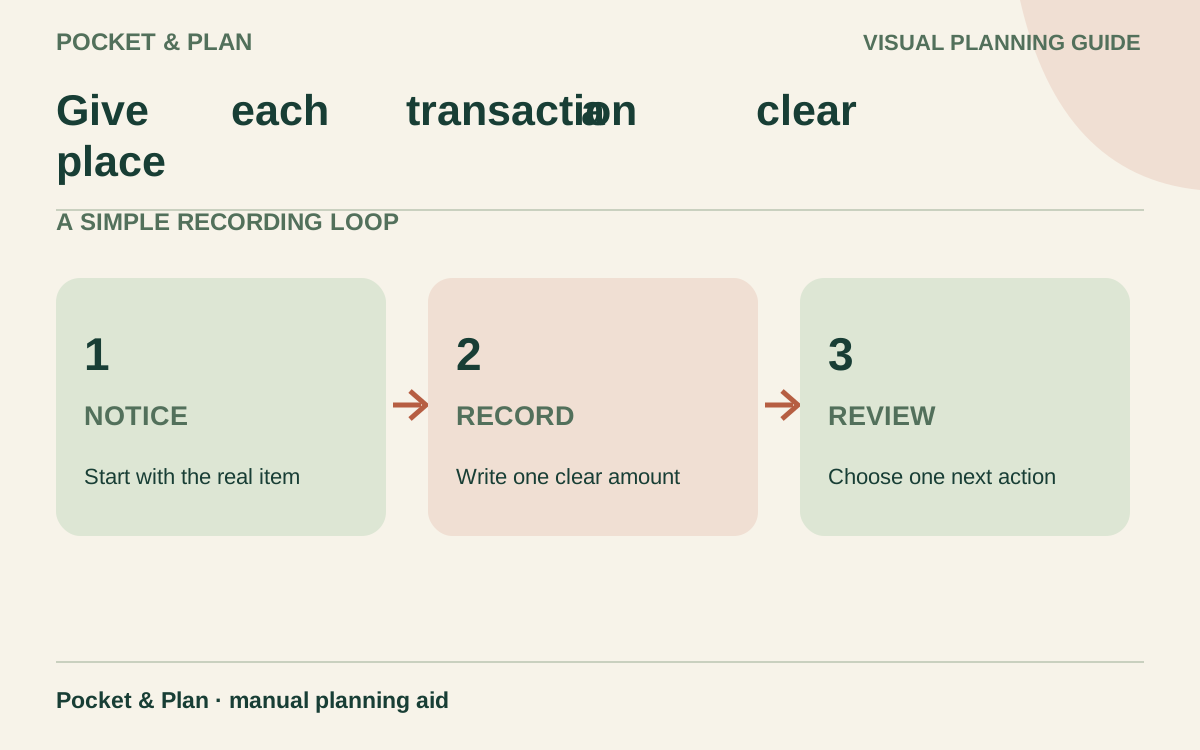
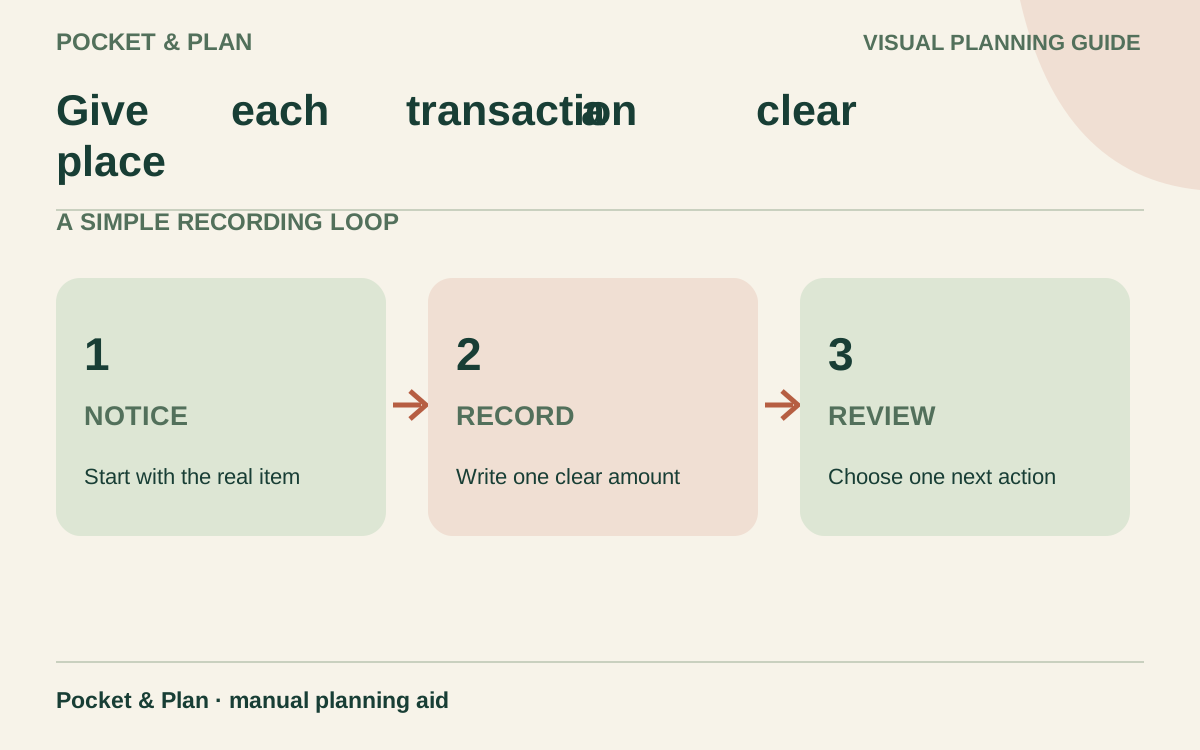
Give each transaction a clear place
Use these fields in the printable or your own notebook:
| Field | What belongs here |
|---|---|
| Date | The purchase date, or the date a refund is confirmed |
| Item and reference | A recognizable description and short receipt reference |
| Category | The purpose of the purchase |
| Purchase or fee | The amount charged for this entry |
| Confirmed refund | Money returned against a linked purchase |
| Method | Cash, debit, or a card nickname |
| Checked | Whether the record agrees with the available evidence |
| Notes | Receipt split, pending adjustment, or follow-up |
Use positive amounts in both money columns. A refund belongs in the refund column; you subtract that column when preparing the summary. Do not also enter it as a negative purchase. Leave full account numbers and login details off the sheet.
For a receipt containing food and cleaning products, split the total into two entries sharing one reference. Allocate discounts and tax using a consistent, documented approach, and check that the split equals the receipt’s final charge. Our monthly budget categories guide helps define those boundaries.
Check a complete purchase-and-refund example
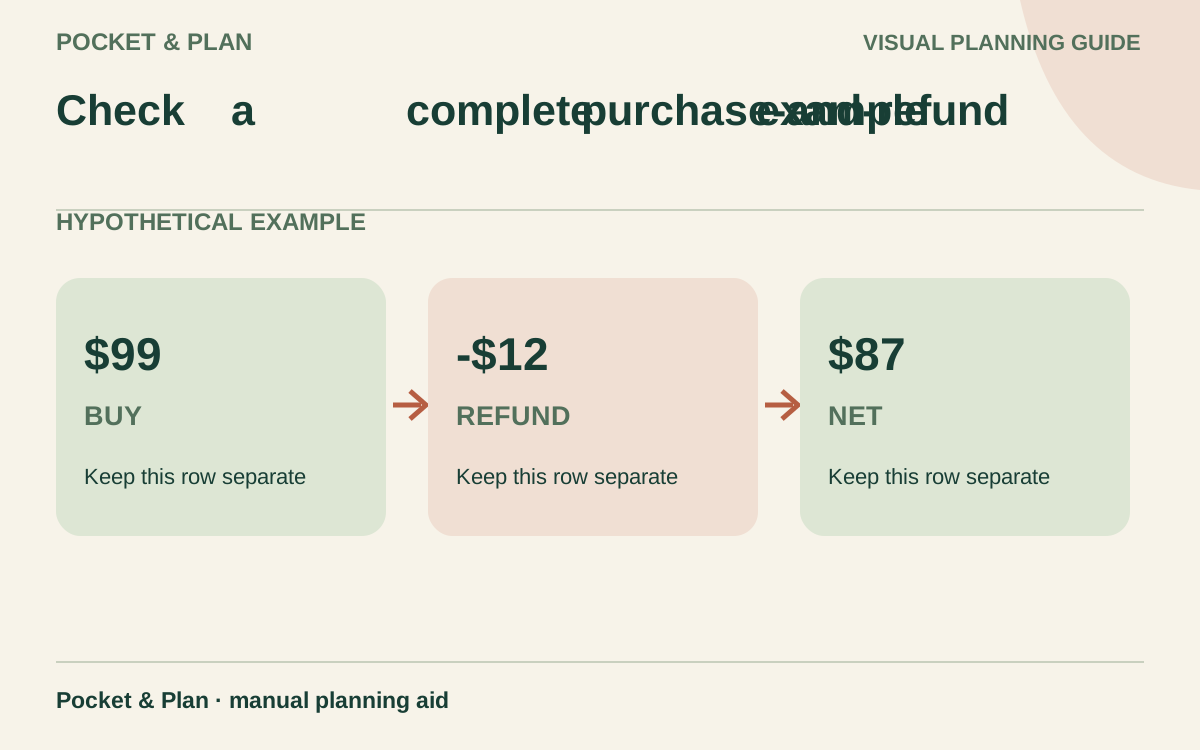
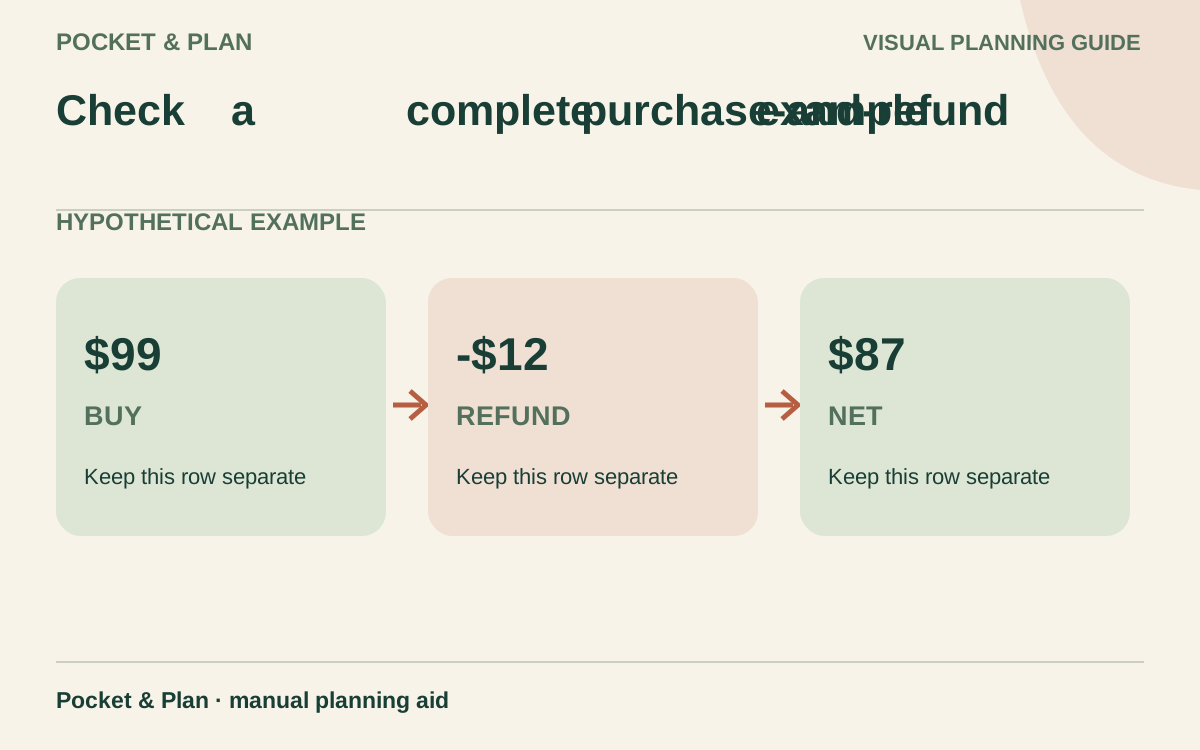
The following amounts are invented to demonstrate the record. Alex makes several purchases during one tracking period and receives a refund for part of the clothing purchase in that same period. All amounts shown are final charges, including any applicable tax in this example.
| Entry | Category | Purchase or fee | Confirmed refund |
|---|---|---|---|
| Store receipt A: food portion | Groceries | $40 | — |
| Store receipt A: cleaning portion | Household supplies | $12 | — |
| Cash bus fare | Transportation | $9 | — |
| Clothing receipt B | Clothing | $36 | — |
| Separately charged account fee | Account fees | $2 | — |
| Confirmed partial refund, receipt B | Clothing | — | $12 |
| Total | $99 | $12 |
The two receipt A entries add to its $52 charge. Gross purchases and fees total $99. Subtracting the $12 refund gives $87 net spending for this period.
The category check reaches the same answer: groceries $40 + household supplies $12 + transportation $9 + clothing $24 + account fees $2 = $87. Clothing is $36 minus the confirmed $12 refund, not a new $12 income category.
Keep the original clothing entry. A linked refund explains what changed; erasing the purchase removes useful history. These amounts are bookkeeping examples, not recommended category limits.
Keep account movements out of purchase totals
A $30 withdrawal from your own bank account moves money into your cash wallet. It is not $30 of new spending. Record the $9 bus fare when you use the cash; with no other cash activity and an empty starting wallet, $21 would remain from that withdrawal. Any separately charged withdrawal fee is a real expense and needs its own entry.
Likewise, paying $80 toward card purchases already recorded in your tracker is a payment movement, not another $80 of consumption. The payment still matters to available cash and its due date. Payments toward older debt, interest, and fees need appropriate budget assignments; this everyday purchase log does not replace that fuller plan.
Use the bill payment tracker for payment status and due dates. If you also use cash envelopes, subtract the purchase from its envelope once and keep transfers between envelopes visible without adding them to spending.
Resolve refunds and missing details before closing
A requested return is not a completed refund. Note the expected amount and next check, but leave the confirmed refund column empty until you can verify it. A refund to a credit card reduces that card balance; it does not automatically add cash to your bank account.
If a refund arrives in a later tracking period, link it to the earlier purchase and label it as a prior-period refund. The current period’s net spending can then be lower than its new purchases, or even negative in a category. Show gross purchases and refunds separately so that result is understandable.
For a missing receipt, use other available evidence and mark any unresolved category or amount. Do not fill an unknown amount with zero. Keep estimates identifiable until you can replace them, and investigate duplicate entries before deleting either one.
Turn the record into one useful budget change
At the end of the period, total purchases, total refunds, and calculate their difference. Then compare category totals with the corresponding budget, using the same dates and definitions. Consumer.gov’s budgeting process connects daily spending records with a month-end comparison and the next month’s plan.
Choose one concrete follow-up: change an unrealistic grocery estimate, investigate a fee, or give a recurring purchase its own category. Use the monthly money reset checklist to carry that decision into the next period. A useful tracker leaves you with figures you can explain and a specific adjustment to make.
Sources & verification
These primary reference sources support the guide. Worked examples are our own illustrations, not national averages or reported personal results.
- CFPB — Track your spending with this easy tool ↗Checked September 11, 2026
- Consumer.gov — Making a Budget ↗Checked September 11, 2026
Published · Last substantive update .
Found a factual error or a calculation that needs checking? Suggest a correction by email with this guide's link. The link opens a draft in your email app; you send it yourself. Contact details · Corrections policy