The short answer
Count the food actually in your freezer, give each package or batch an identifiable location, and record removals so your next meal plan uses a reliable balance.
General educational guide. Sources checked September 11, 2026. Examples are illustrative; amounts should be adjusted to your household. Read our disclosure.
A freezer inventory tells you what is inside, how much remains, and where to find it. Start with a physical count, label each identifiable batch, and record food as it enters or leaves. Keep portions reserved for planned meals visible, so a full-looking freezer does not cause you to promise the same dinner twice.
Download the freezer inventory printable. Its two landscape US Letter pages provide a stock register and a dated movement log. Fill them by hand; they have no automatic calculations, temperature monitoring, or expiry alerts. A listed date is a record, not a decision that food is safe.
Start with one freezer and a confirmed opening count
Write the appliance or freezer area and the date of the count. Make a quick location key, such as top shelf, middle drawer, or left basket. Count in a way that keeps food properly frozen and avoids leaving the door open unnecessarily; do not empty everything onto the counter for a long organizing session.
The FDA advises using an appliance thermometer and keeping the freezer at 0°F. Check the appliance separately from this inventory. A full list cannot establish that the freezer held the right temperature overnight.
Use the confirmed count as the opening balance. Do not also enter it as a new addition in the movement log. When a container is unidentified or its handling history is uncertain, mark that uncertainty and resolve it using appropriate food-safety guidance before assigning it to a meal.
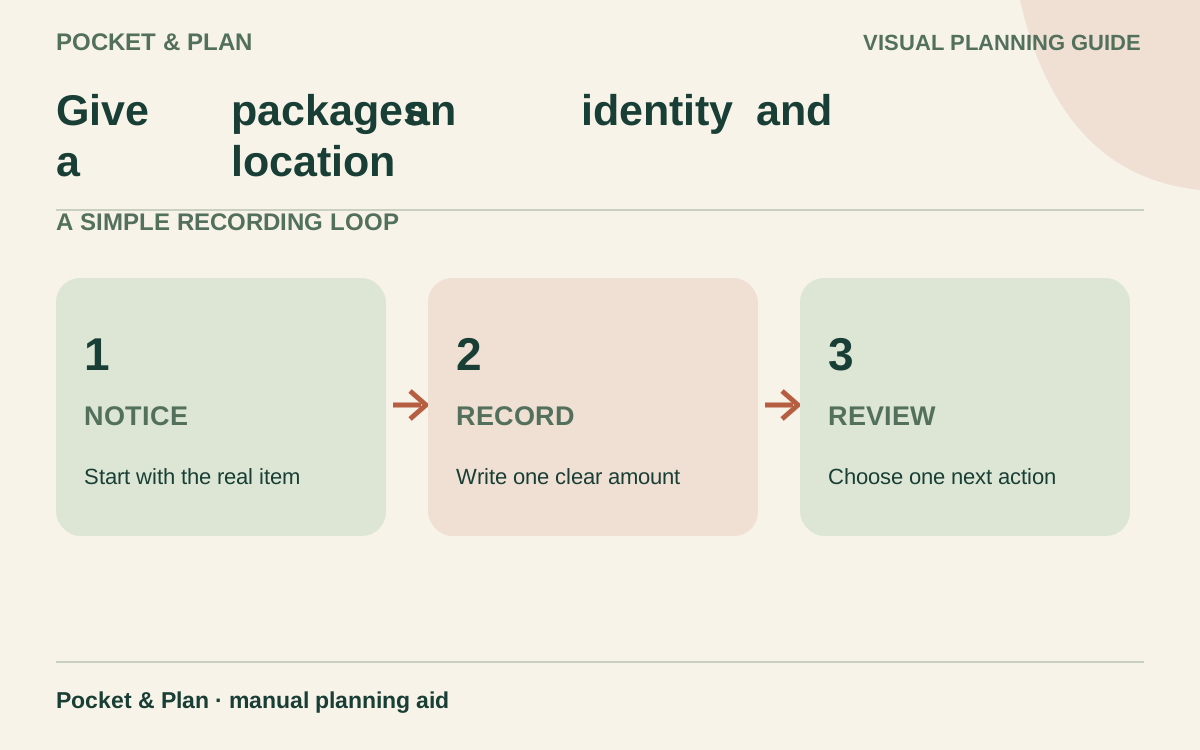
Give packages an identity and a location
Use a short batch ID on both the package label and the worksheet. Keep separate batches when preparation or freezing dates differ. For example, S01 and S02 can both be soup while retaining distinct histories.
| Stock-register field | What belongs there |
|---|---|
| Batch ID and food | S01; cooked lentil soup |
| Relevant original date | Preparation or purchase date, if known; identify which |
| Freezer-entry date | Date placed in this freezer; not an invented preparation date |
| Packages and size | Three containers, two defined portions in each |
| Tracking unit and balance | Portions; six in this hypothetical opening count |
| Location | Upper basket |
| Quality review and source | A planned review date and the guidance used |
| Meal reservation | Two portions for a named dinner |
Define “portion” for your household rather than treating every bag as one meal. A container for two people is two portions if that is the unit you choose. If you track a vegetable bag by grams, keep its additions and removals in grams; package count alone will not describe a partly used bag.
This ongoing register is different from a one-time pantry challenge. You keep updating it after the initial stock check, rather than rebuilding the entire list for every meal plan.
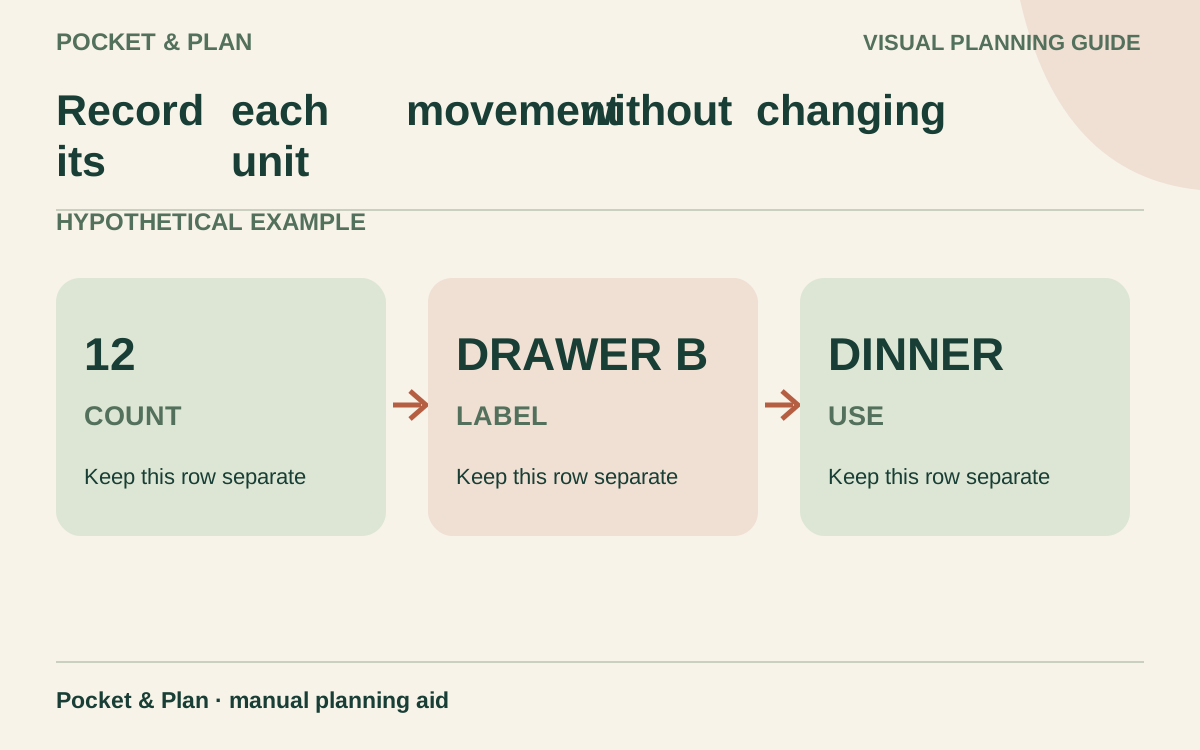
Record each movement without changing its unit
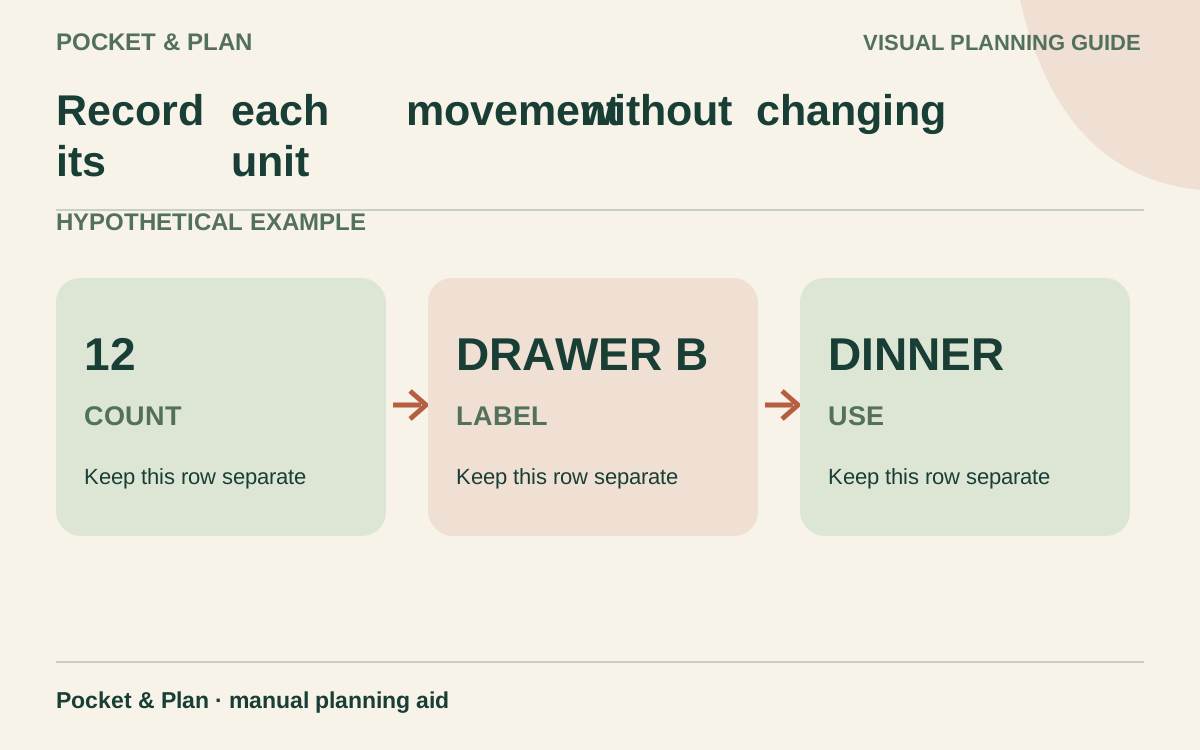
For each batch, use opening quantity + additions − removals = freezer balance. Note the date, amount, and reason. Record an addition when new food is placed in the freezer and a removal when it leaves, even if it will thaw before being eaten.
In this hypothetical example, batch S01 starts with six individually removable portions. The same unit is used in every row:
| Action | Added portions | Removed portions | S01 balance | Note |
|---|---|---|---|---|
| Confirm opening count | — | — | 6 | Existing stock; not a new addition |
| Take portions for a dinner | 0 | 2 | 4 | Record when removed |
| Move remaining food to lower basket | 0 | 0 | 4 | Location changes; quantity does not |
| Take one portion for a lunch | 0 | 1 | 3 | Remaining count confirmed |
The movement calculation is 6 − 2 − 1 = 3 portions left. Moving a package between baskets is not a purchase, addition, or meal consumed. Update its location only.
A later batch containing four more portions receives a new ID, S02, and its own dates. You can note seven portions across the two batches, but do not overwrite S01’s history with the newer freezing date. If thawed food is returned to the freezer, record the event only after confirming that refreezing is appropriate under the official guidance; the ledger does not authorize it.
Separate freezer stock from meal reservations
After the example movements, S01 physically contains three portions. Suppose two are reserved for Thursday dinner. The freezer balance remains three until removal; only 3 − 2 = 1 portion is available for another unassigned meal.
If you subtract a reservation immediately and then subtract the same portions again when they leave, the list will understate your food. Keep a reservation note beside the physical balance, release the reservation when you record its removal, and check that the remaining count matches the packages.
Use the same distinction in a meal plan: food that exists, food promised to a meal, and food already used are different states. If you find less than expected, investigate before automatically buying a replacement.
Use dates for planning without inventing an expiry rule
Record what each date means. “Prepared September 11” and “moved into this freezer September 13” are different facts. For a commercially frozen product, retain its packaging instructions and known purchase details; do not invent a date for the manufacturer’s freezing process.
USDA’s freezing guidance explains that recommended freezer storage periods generally concern quality when food remains continuously at 0°F. Freezing does not destroy all microorganisms or make previously unsafe food safe. Use a quality-review date to help choose a meal, with the relevant item guidance recorded alongside it, rather than labeling every row with an unsupported safety expiry.
Keep older appropriate batches visible for meal planning, while following the actual food’s handling and preparation requirements. An unreadable label, unknown history, or damaged storage conditions needs attention before the calendar does.
Plan removal and thawing before the meal
Record a planned removal date when a recipe needs thawing time. USDA lists refrigerator, cold-water, and microwave thawing methods; the latter two require specific handling and prompt cooking. Check the instructions for the actual item. Do not thaw food on the kitchen counter simply because it is the next item on the list.
After an outage or suspected temperature problem, stop using the inventory as a meal-selection queue. Consult the FoodSafety.gov outage chart, which evaluates different foods and conditions separately. Never taste food to decide whether it is safe.
Review the balance before ordering more
Before the next shopping trip, compare the register with a quick physical check, update any missed removals, and name the next uses for suitable stock. Record count corrections openly so an unexplained adjustment is not mistaken for food eaten.
Use your grocery budget to decide what new purchases fit. Food already in the freezer was acquired earlier; using it does not make that meal free or automatically create savings. A reliable inventory helps you avoid duplicate purchases while retaining an honest record of the meals still available.
Sources & verification
These primary reference sources support the guide. Worked examples are our own illustrations, not national averages or reported personal results.
- USDA FSIS — Freezing and Food Safety ↗Checked September 11, 2026
- FDA — Are You Storing Food Safely? ↗Checked September 11, 2026
- FoodSafety.gov — Food Safety During Power Outage ↗Checked September 11, 2026
Published · Last substantive update .
Found a factual error or a calculation that needs checking? Suggest a correction by email with this guide's link. The link opens a draft in your email app; you send it yourself. Contact details · Corrections policy